
Add Basic Information - Contacts
Modified on: 2025-08-25 16:43
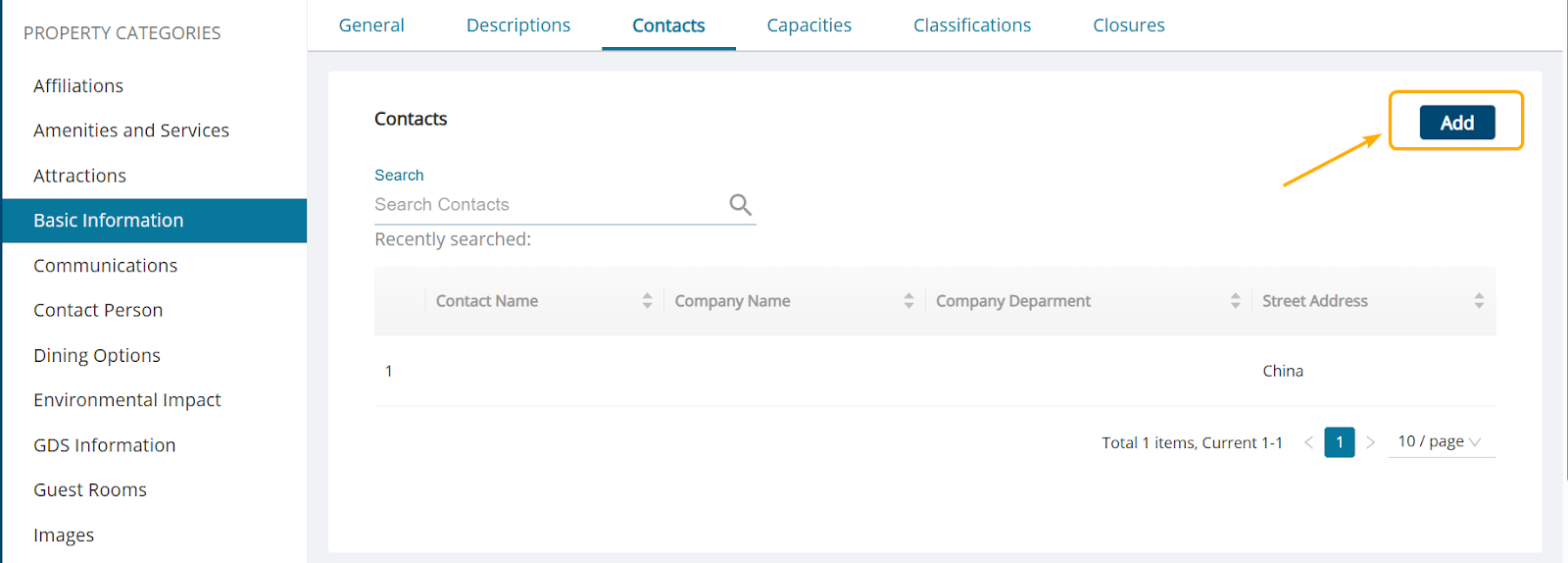
Step 1. Go to Contacts tab and click the Add button.
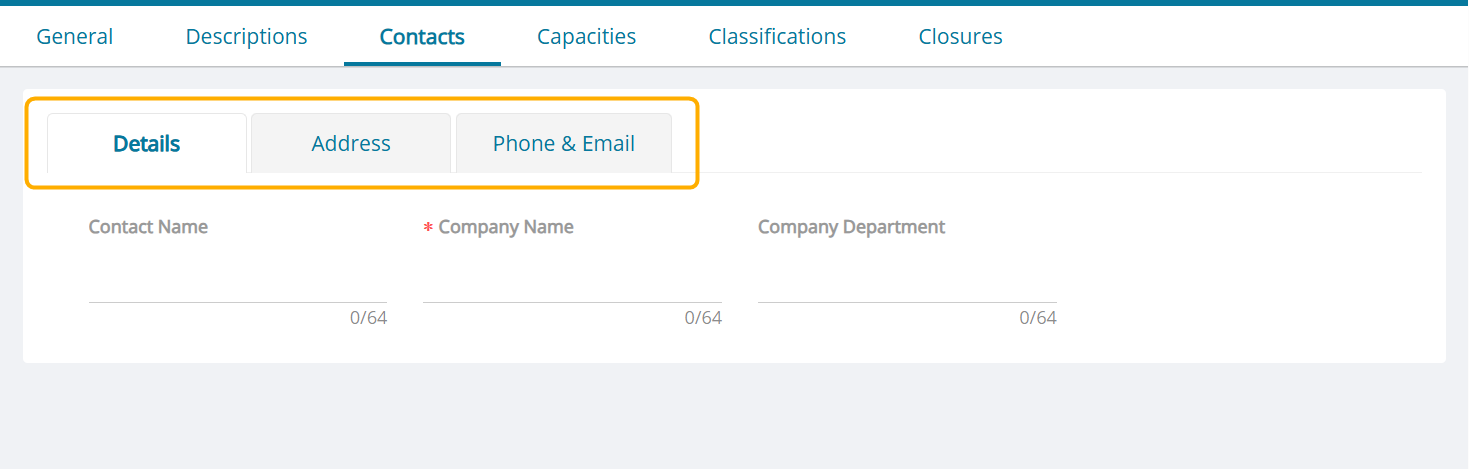
Step 2. Add contact details for the hotel including Details, Address and Phone & Email.
| Required Field | Description |
|---|---|
| Company Name | Fill in company name |
Step 3. Click the Save button.
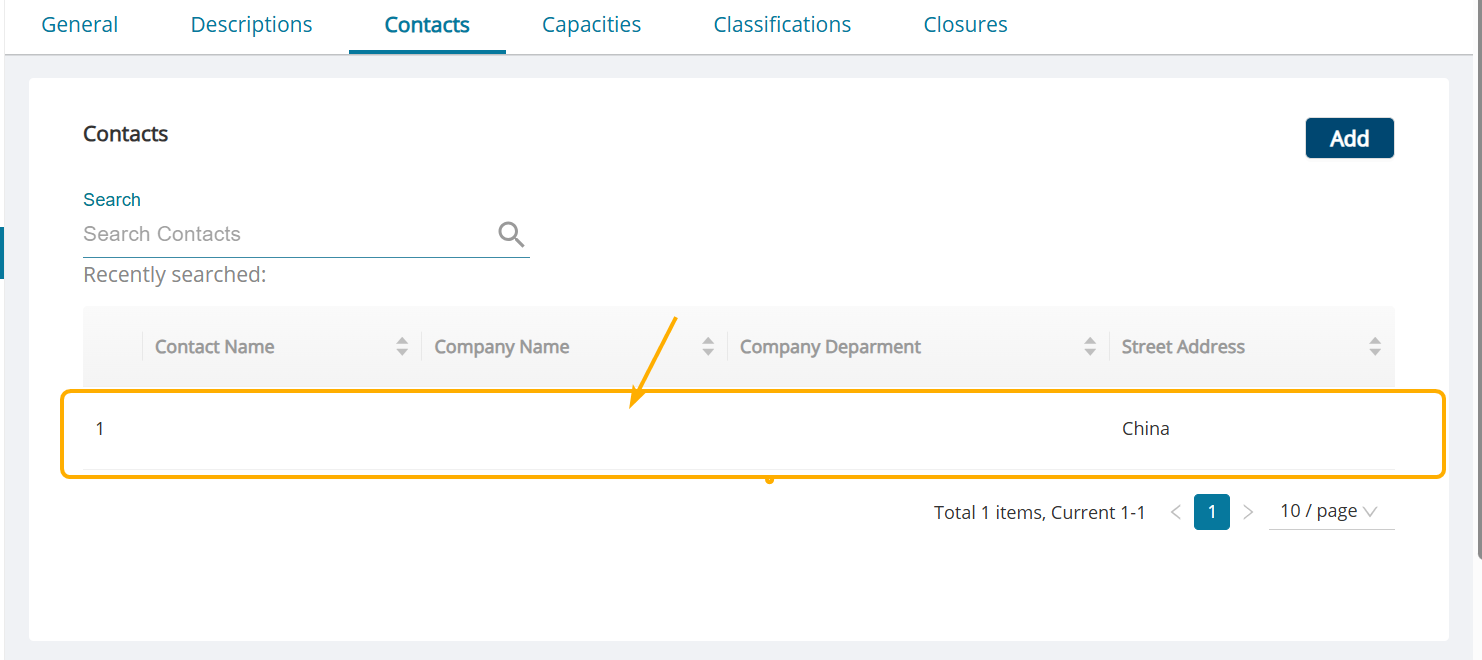
Step 4. To view the saved Contacts info, please click the table below to view details.
Did you find it helpful? Yes No
Send feedbackSorry we couldn't be helpful. Help us improve this article with your feedback.