
Add New Property
Modified on: 2026-09-08 16:11
Tips: Before adding a property, please confirm it doesn’t already exist in our system.Step 1. Enter Content Suite V3 Portal
Access Content Suite V3 portal from this link: https://contentsuite.derbysoftsec.com/listing.
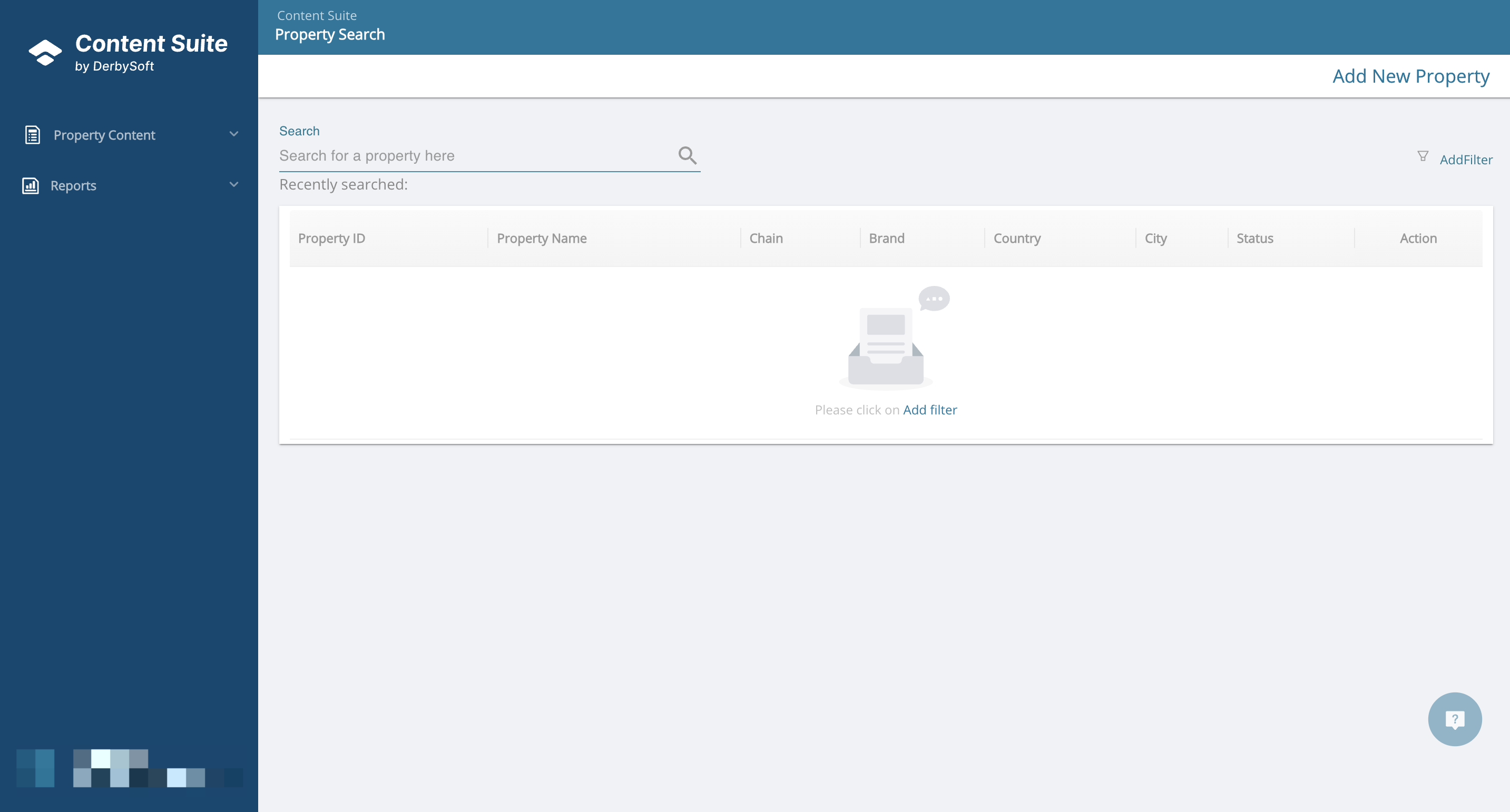
Step 2. Select Chain
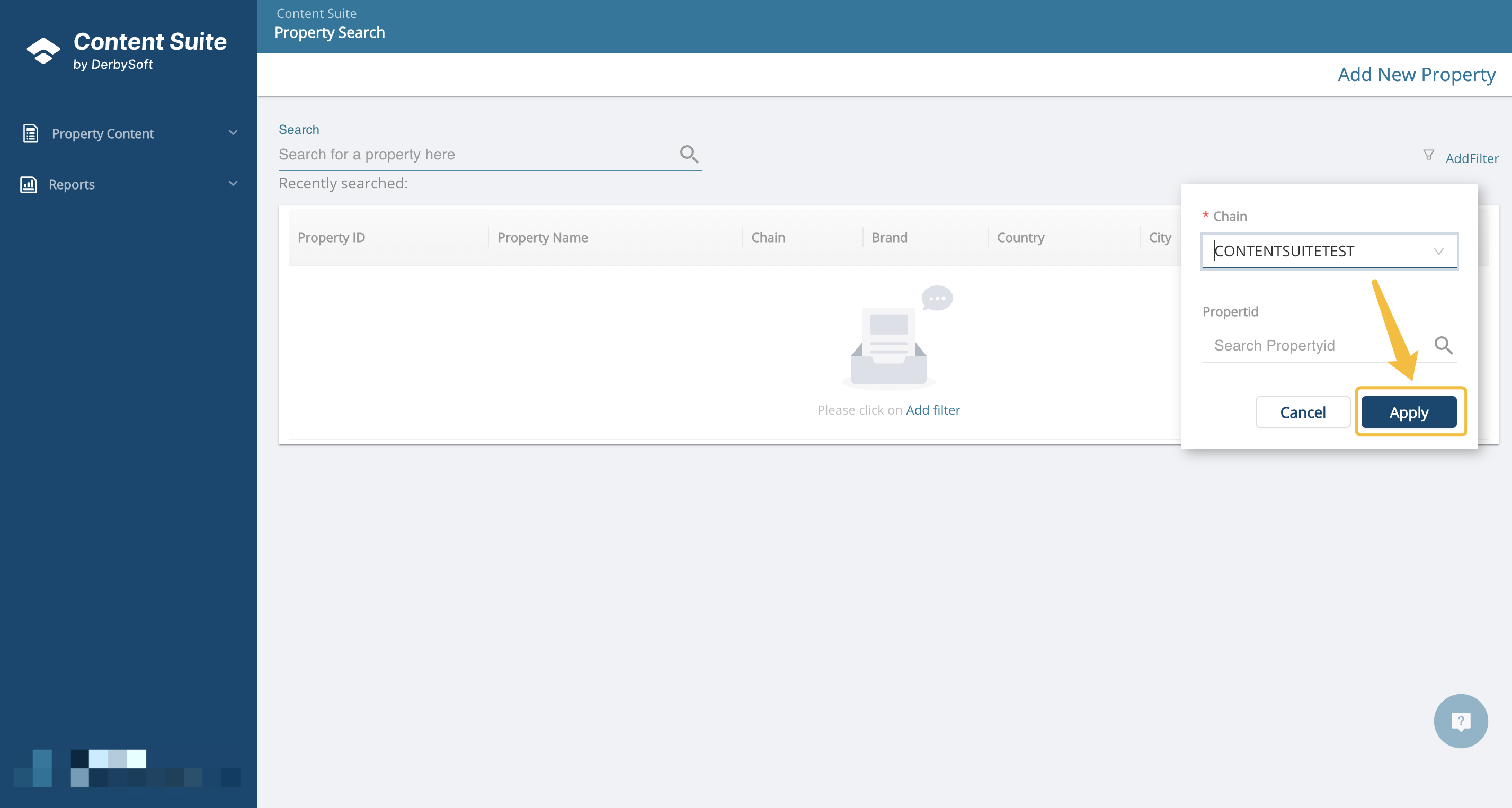
Click Add Filter and select chain, and apply.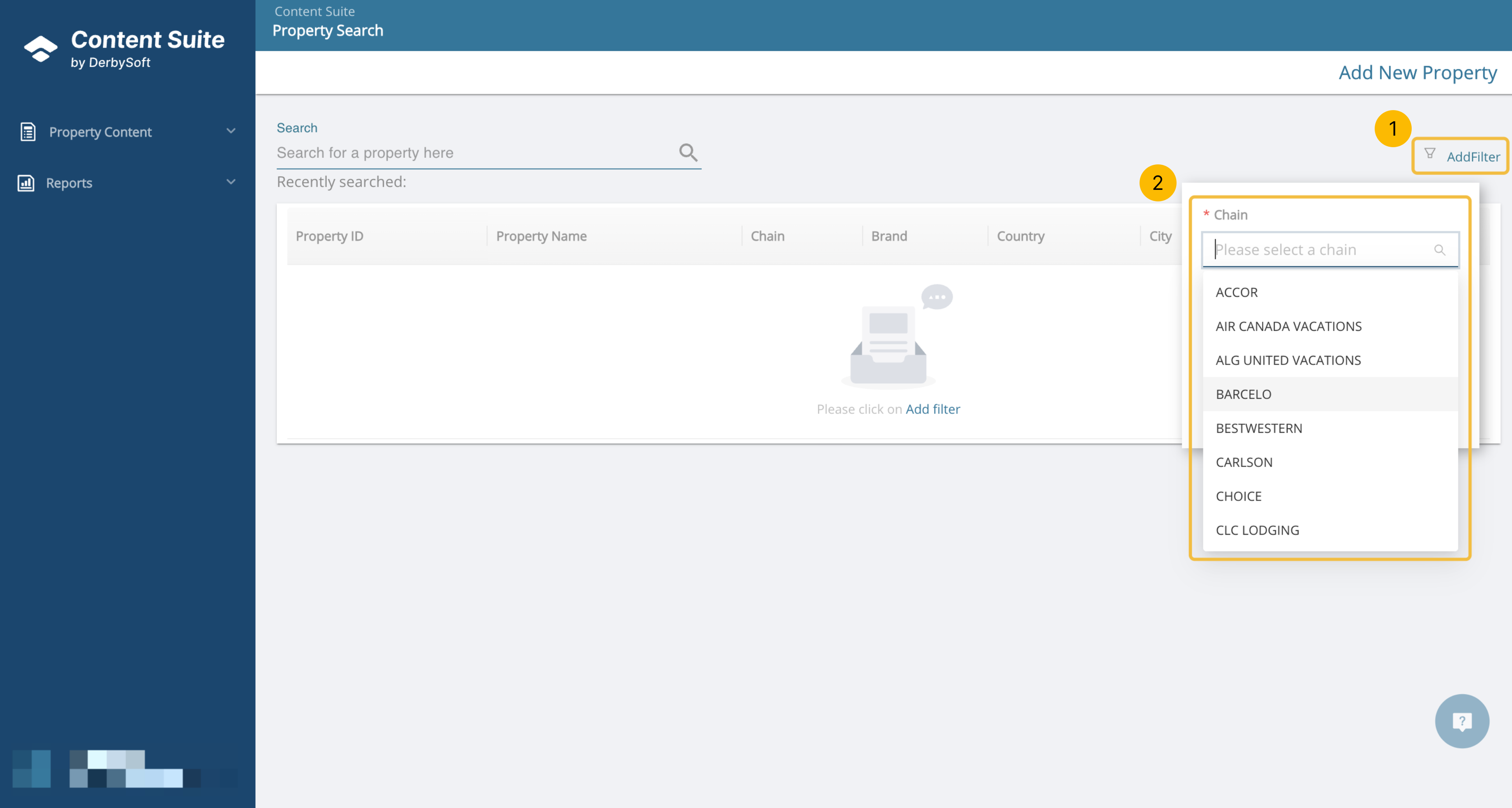
Step 3. Click Add New Property
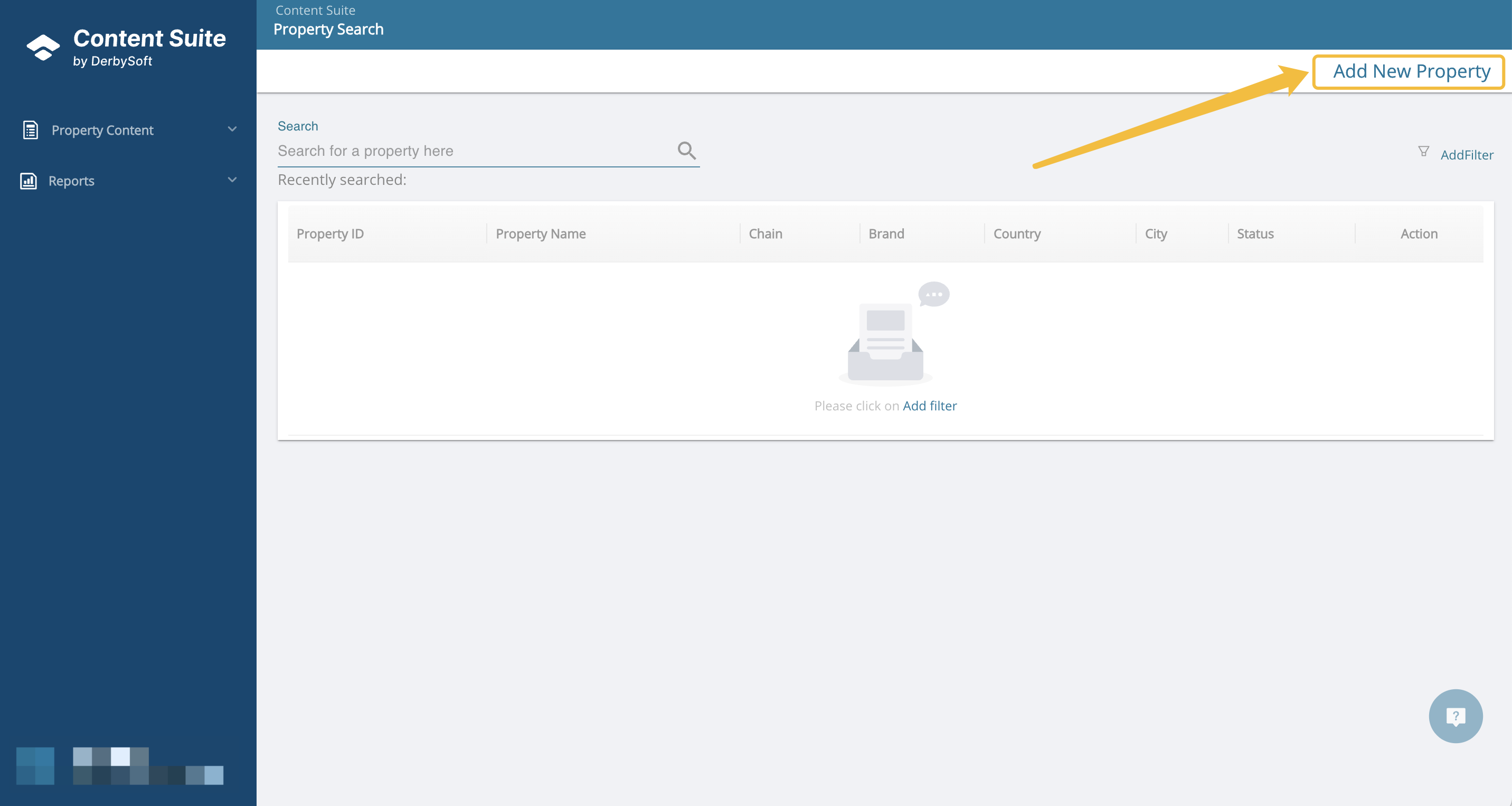
Click on Add New Property at the top-right of the screen.
Step 4. Fill Property Details
Using the mapping chart below, add the new hotel’s details in the screen (Red fields are required):
| Required Filed | Description |
|---|---|
| Property ID | Required |
| Property Name | The name of property |
| Address | Required |
| City | Required |
| Country | Required |
| Latitude | Required |
| Longitude | Required |
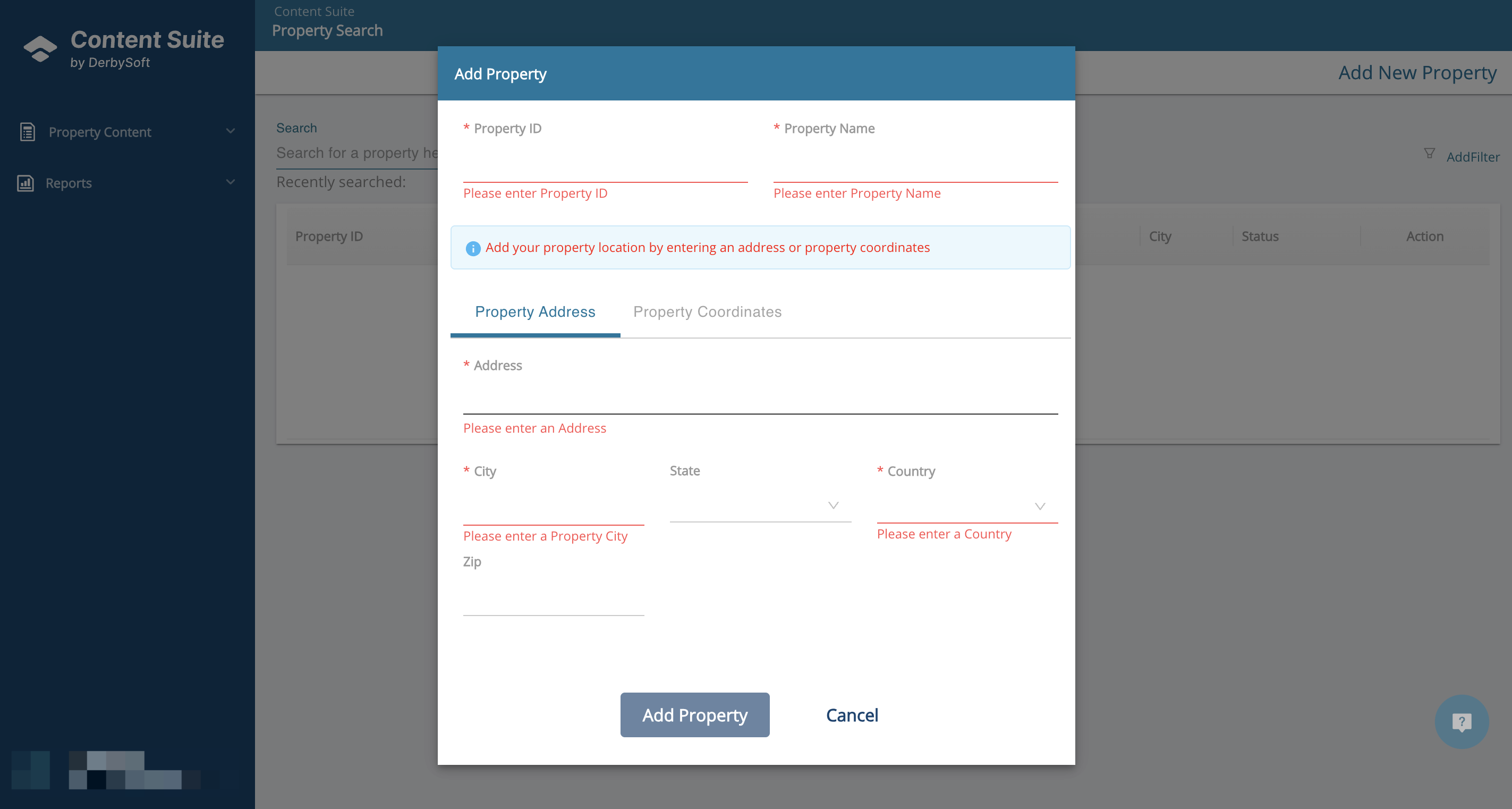
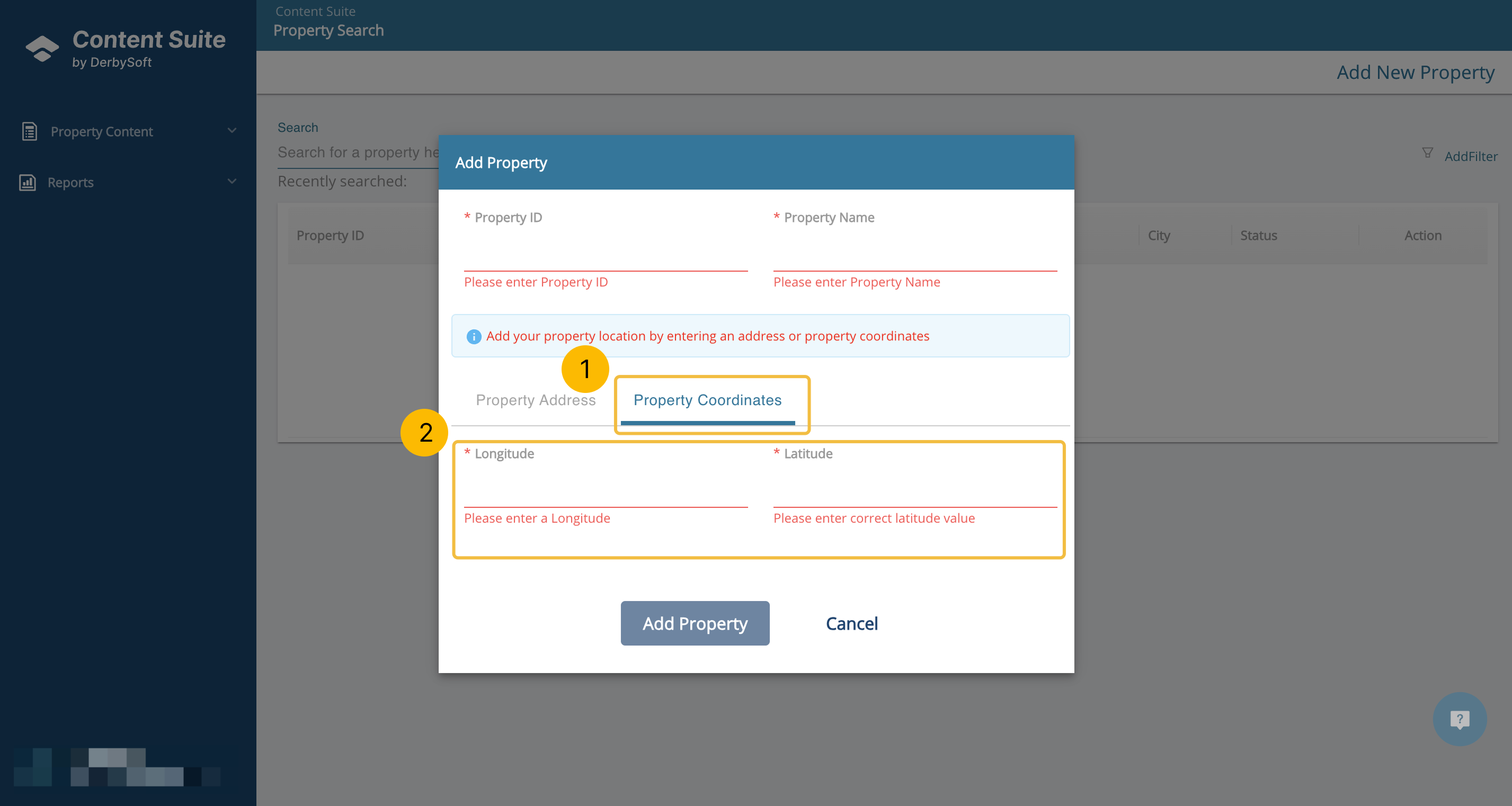
Step 5. Go to Property Coordinates Section
Go to the Property Coordinates section of the page and add your Longitude and Latitude.
Step 6. Click Add Property Button
Did you find it helpful? Yes No
Send feedbackSorry we couldn't be helpful. Help us improve this article with your feedback.