
Add Basic Information - Capacities
Modified on: 2025-08-25 16:44
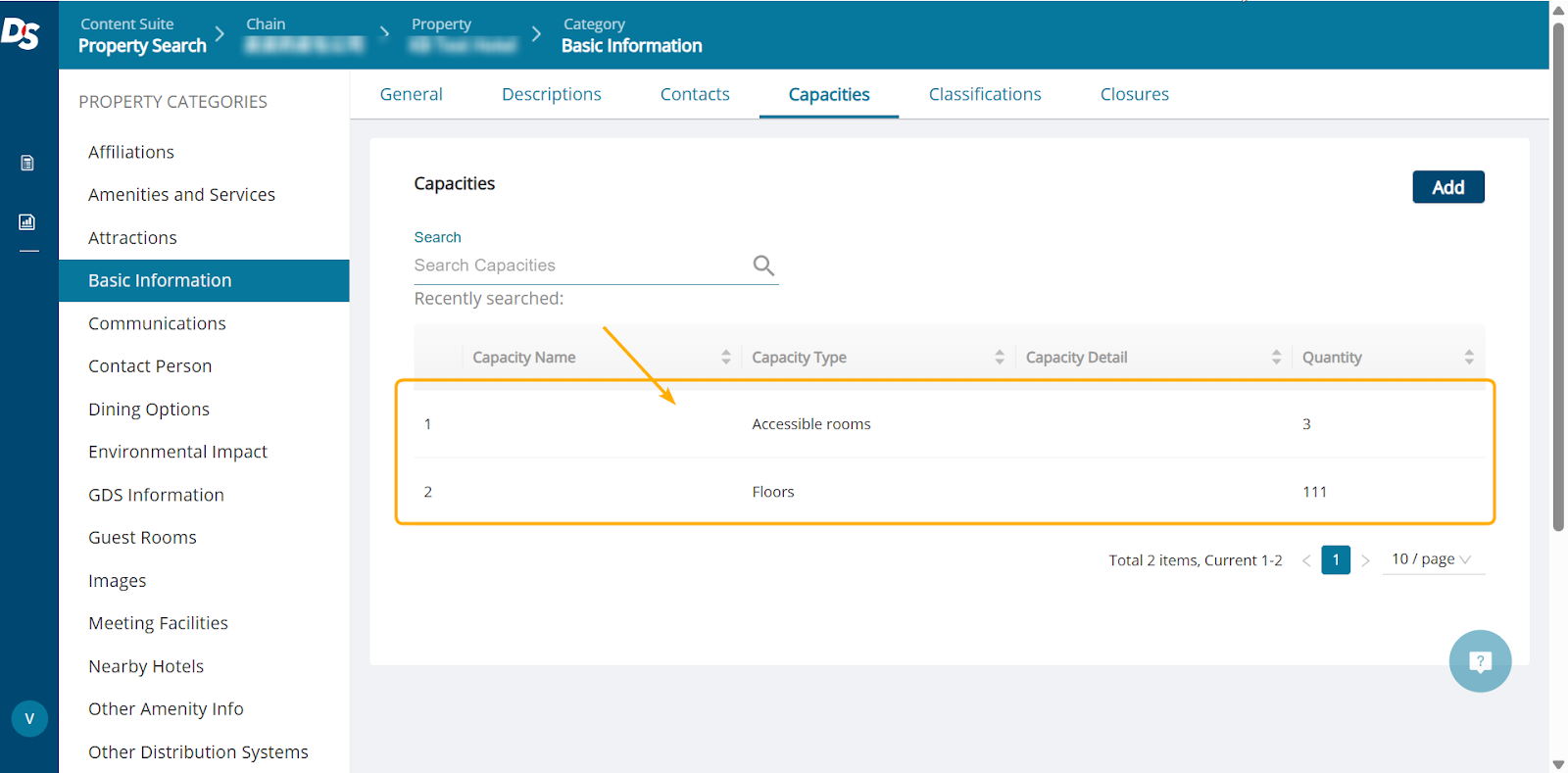
Use this section to enter the number of non-smoking rooms, floors, suites and total number of rooms at the property.
Step 1. Go to the Capacities tab and click the Add button.

Step 2. Add capacity information.
| Required Field | Description |
|---|---|
| Type | Which type of capacity e.g. Suite, Floor |
| Quantity | Used to define the quantity for an associated element or attribute. |

Step 3. Click the Save button.
Step 4. To preview added info, click the table in the Capacities tab.
Did you find it helpful? Yes No
Send feedbackSorry we couldn't be helpful. Help us improve this article with your feedback.