
Add Hotel Policies
Modified on: 2025-08-25 16:45
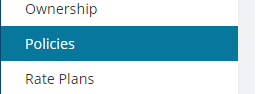
Step 1. Go to the Policies category.
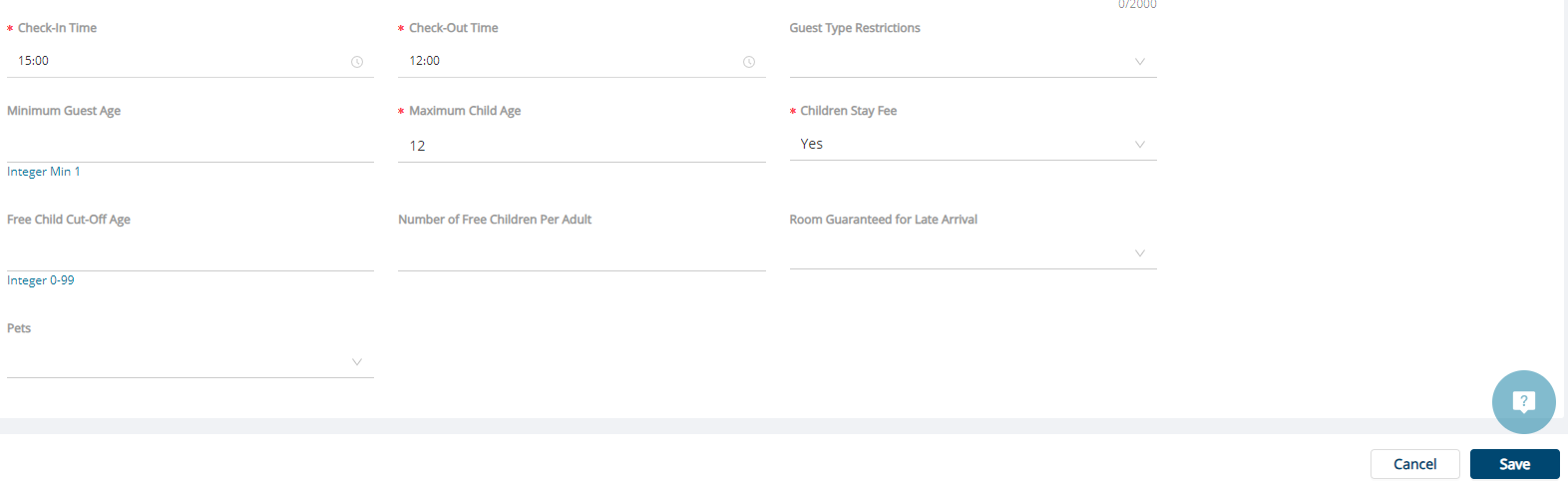
Step 2. On the General tab, click the Edit button to add the required policy details from your system.

| Required Field | Description |
|---|---|
| Check-In Time | Check-in time for this hotel product. |
| Check-Out Time | Check-out time for this hotel product. |
| Maximum Child Age | Highest age threshold set by hotel, exceeding it need to be charged at adult rates |
| Children Stay Fee | Specific fee that hotel charge guardians for children who stay overnight with them |
Step 3. Click the Save button.
Did you find it helpful? Yes No
Send feedbackSorry we couldn't be helpful. Help us improve this article with your feedback.