
Add Hotel Pets Policy
Modified on: 2025-08-25 16:46
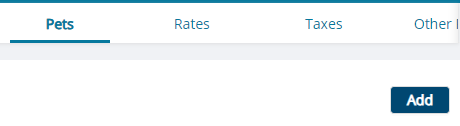
Step 1. Go to the Policy category. Click the … button to go to the Pets tab. Click the Add button.

Step 2. Update the Pets Allowed section from your system.
You can only select “Working animals only” if pets are not allowed.
| Required Field | Description |
|---|---|
| Type | The type of pets |

Step 3. Click the Save button.

Did you find it helpful? Yes No
Send feedbackSorry we couldn't be helpful. Help us improve this article with your feedback.