
Delete Rooms
Modified on: 2026-09-08 16:16
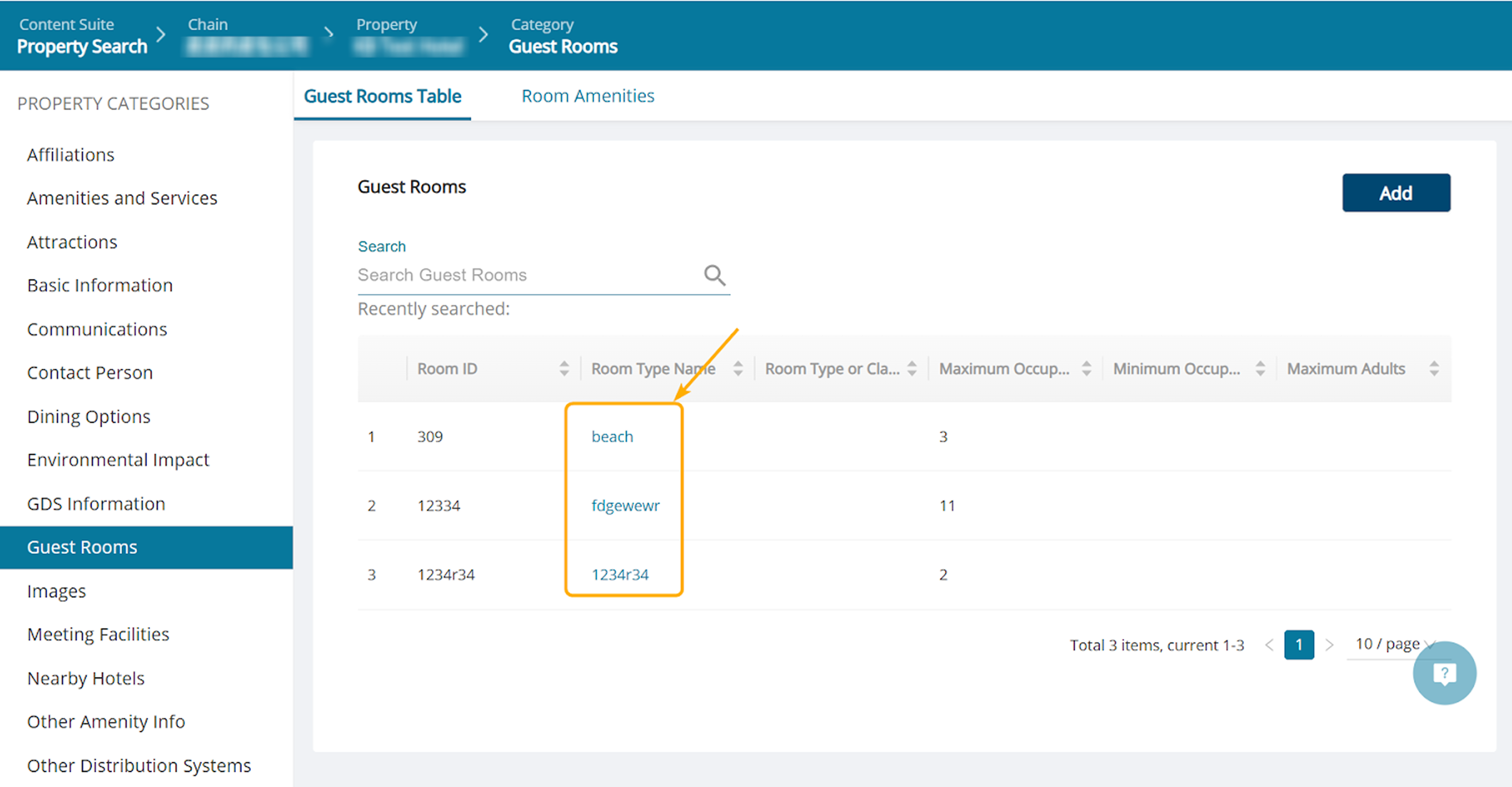
Step 1. Go to the Guest Rooms category.

Step 2. Click a guest room’s name field.
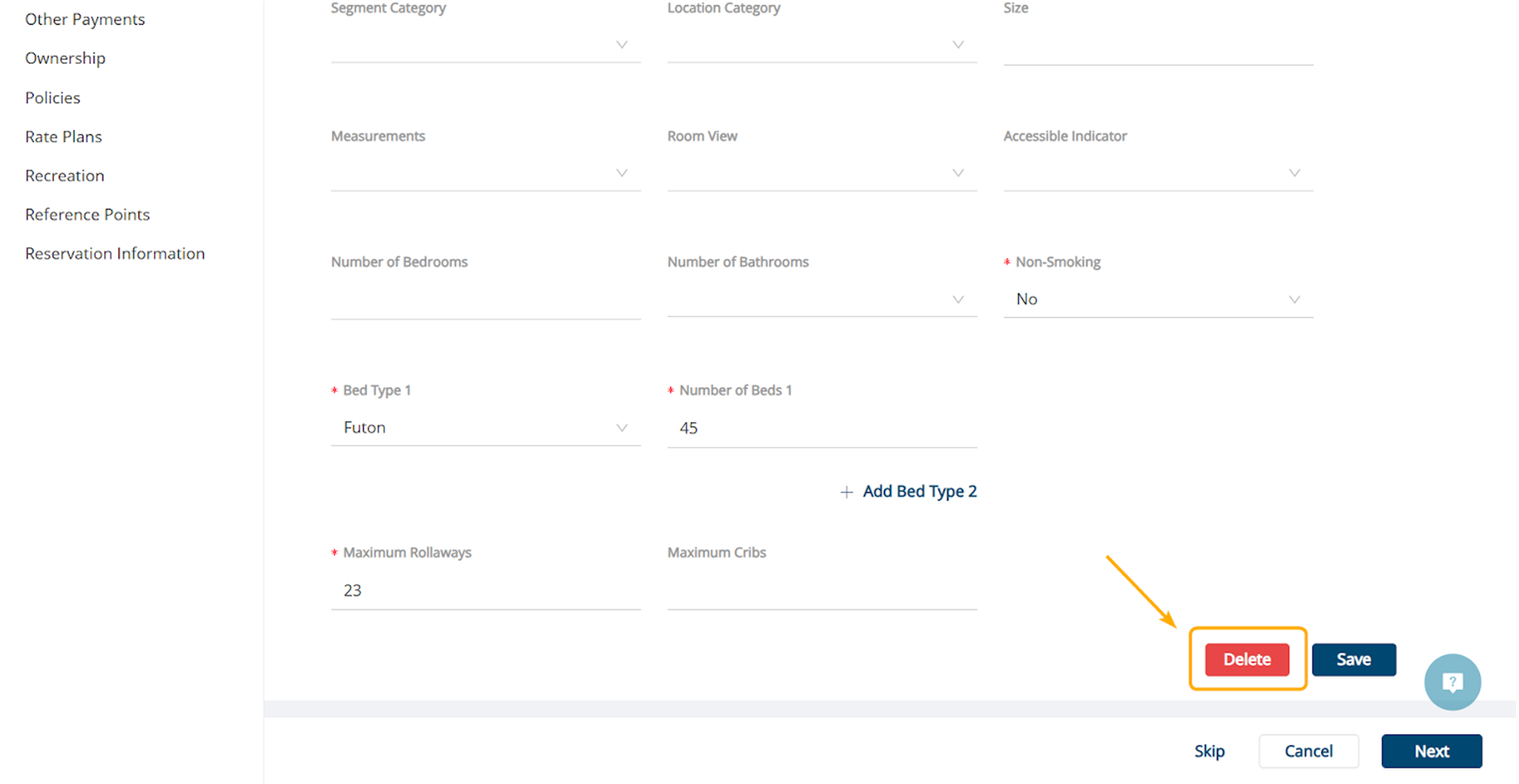
Step 3. Scroll to the bottom of the page and click the Delete button.
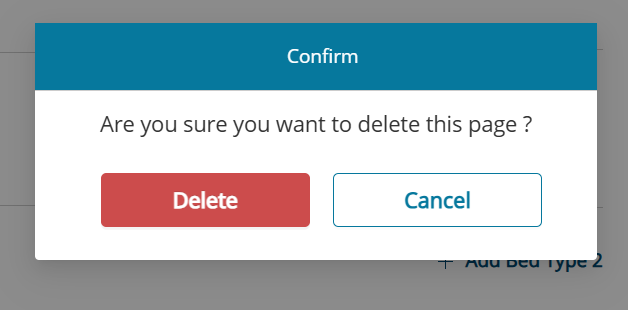
Step 4. Confirm to delete.
Did you find it helpful? Yes No
Send feedbackSorry we couldn't be helpful. Help us improve this article with your feedback.